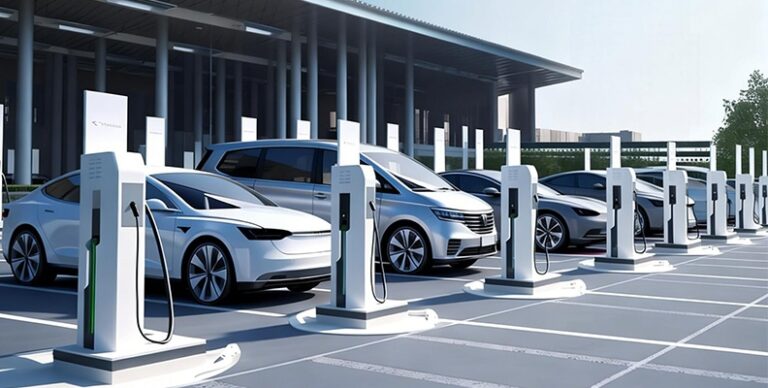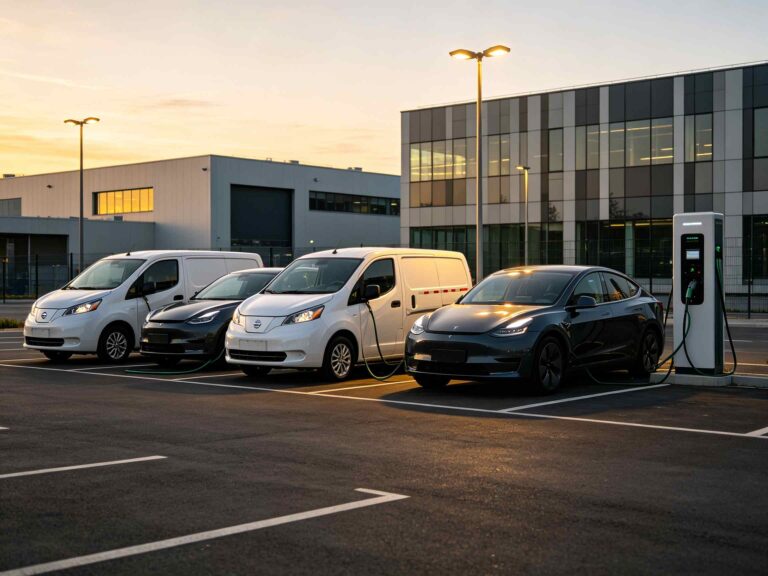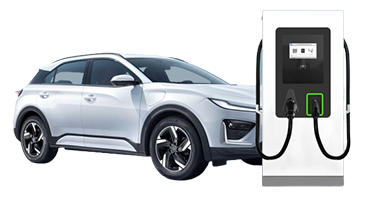
With an OCPP EV charger, the equipment outside can exchange information with the management system used by the operator. OCPP is the protocol behind that exchange. I would judge its usefulness by what the person at the desk can actually see and do, including the monitoring and maintenance functions supported by the installation.
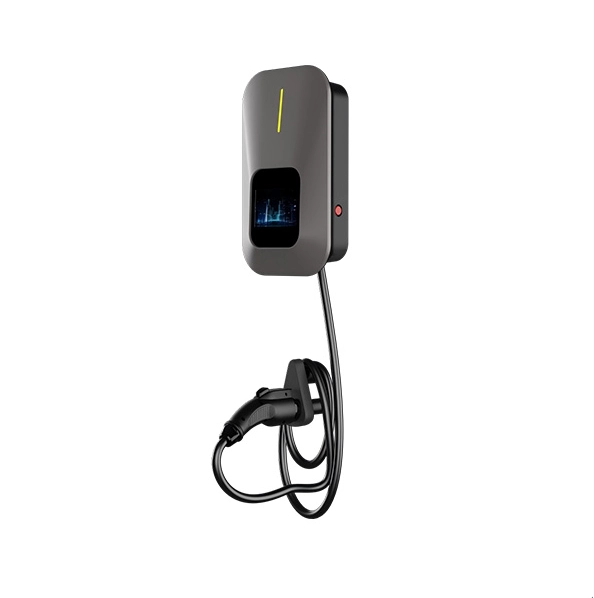
Picture the support call for a moment. The driver has the car in front of them; the person answering may be nowhere near the parking area. They need a common account of what is happening.
What an OCPP EV Charger Actually Connects
The Charger, Network and Management Platform
The charging cable is the visible connection, but another conversation goes back towards the office. That is the one OCPP handles, between charge point and management system. It says nothing by itself about whether the plug fits a particular vehicle.
For a property with chargers in different parking areas, this distinction is quite practical. The equipment may be spread around the building, while the person responsible has a desk elsewhere. A remote view can bring information from those locations into the same working environment.
Getting the equipment online is only part of the job. At the other end, somebody will have to find a session and understand the information on screen. I would include that person in the discussion early, while the service is still taking shape.
Seeing Charging Activity Across the Site
Charger Status and Session Information
In a basement parking area, the caller might have little more to offer than a description of the charger’s screen. That is useful, as far as it goes. Finding the same equipment remotely gives the person answering a second view, with something specific to discuss when the account is passed to maintenance.
For an EV charging management demonstration, I would ask someone to start an ordinary session outside and let the future operator follow it indoors. There is no need to rush through the screens. Finding the right charger and explaining what is being shown is the useful part of the exercise.
The important detail may be a discrepancy. If the driver describes one situation and the platform appears to show another, that needs an explanation. Working through it with the people responsible is useful preparation for the day the same question comes from a user who needs help.
Remote Diagnostics and Firmware Updates
Remote charger monitoring also changes the handover to maintenance. Instead of passing along only a driver’s account, the operating team may have status and fault information to discuss. Agree which information the technical team wants and how it should be sent to them.
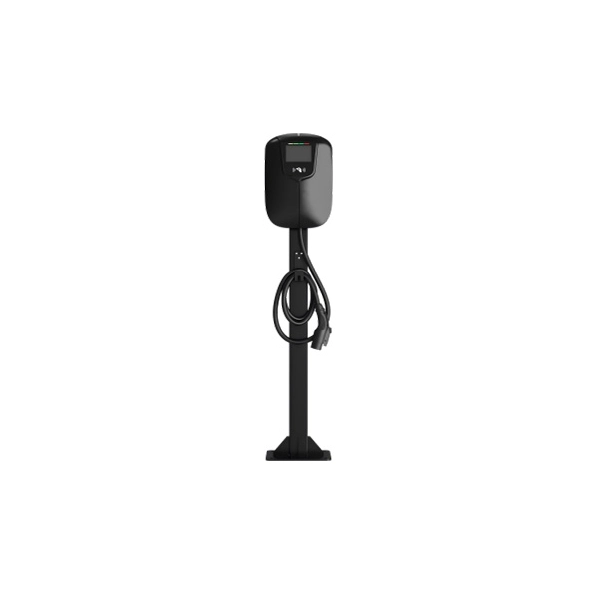
U-Charging’s 7–22kW Smart AC EV Charger offers OCPP 1.6J communication, remote diagnostics and remote upgrades. It has a local touchscreen as well, so the site has both an equipment-side interface and a management connection to consider. Seeing how these work together is more informative than a discussion of remote functions in isolation.
A firmware update needs an agreed place in the operating day. Users may still want to charge while a technician is ready to begin maintenance. Scheduling the work and checking the unit afterwards should therefore be part of the support arrangement from the outset.
Making Access Simple for Regular Users
APP and RFID Activation
Starting a session is the driver’s introduction to the system. Someone returning every day will want a familiar process; a visitor may need an explanation on arrival. Both should be able to tell whether charging has begun and know where to ask for help.
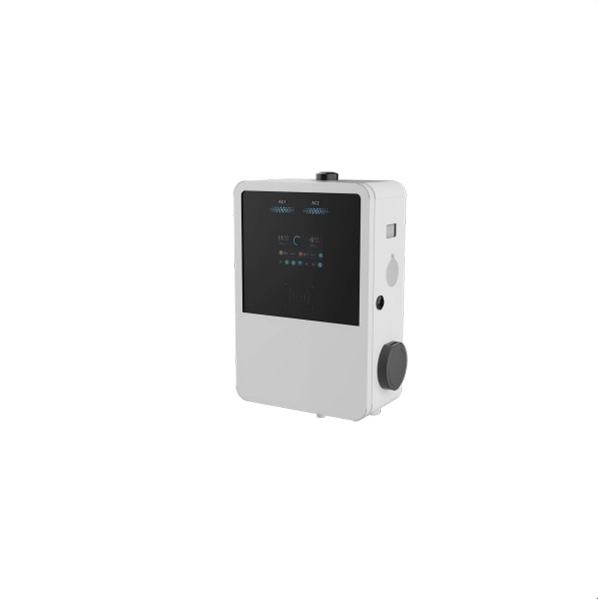
APP and RFID activation are available on the U-Charging 22–42kW Dual-Gun AC Charger, with POS offered as an option. The unit also has a five-inch touchscreen. These details matter because the local interaction remains part of the service, however much work is done through the backend.
The site still has to decide who receives access. An RFID reader provides a starting method, while issuing cards and explaining their use are operating tasks. Any employee groups, visitor permissions or billing arrangements need to be established with the actual management system.
A dual-gun layout adds another point to discuss at handover. Follow each connector separately in the platform and establish the selected unit’s power allocation. Its overall rating should not be treated as the output guaranteed at both connectors simultaneously.
Matching Connectivity to the Location
Ethernet, Wi-Fi and Mobile Connectivity
Take the network discussion out to the parking spaces. The person managing the office network needs to see where these extra devices are going, particularly if some are below ground or outside. A plan made at the reception desk can miss the awkward details of the actual positions.
Ethernet, Wi-Fi and 4G are among the networking options on selected U-Charging AC equipment, with Bluetooth connectivity also available. The question for a given parking area is which route the installed unit will use to reach its backend. I would keep automatic switching between connections out of the service description unless that behavior has been confirmed for the equipment.
Keep a record of the method used in each parking area and the person responsible for it. For an OCPP charging station, a change to the network can become a charging support question. The operator should have somewhere to take that question without first having to reconstruct the installation.
Bringing Hardware and Backend Together
Model, Firmware and Platform Compatibility
Ask which model and firmware are going to connect to which platform. An OCPP charger discussion is much easier to follow once those details have names. From there, walk through the work the site intends to do, with the future operator taking part.
Protocol support and certification are different statements. Optional capabilities also need to remain distinct from what is included in the installed version. For U-Charging’s OCPP 1.6J equipment, the practical starting point is the configuration selected for that site.
Before the commissioning team leaves, let the operating team find a session and explain its route to maintenance. This gives people a chance to ask questions while the installation is still being handed over. Smart EV charging is much easier to take responsibility for when those questions have been answered.
Conclusion
An OCPP EV charger brings useful visibility to a service that otherwise takes place out in the car park. U-Charging’s connected AC formats allow remote operation to be considered alongside the local screen, access method and physical equipment. Explore the 14–42kW AC EV Charger when planning how connected charging will fit into your site’s daily work.
FAQ
Q: What is an OCPP EV charger?
A: Think of OCPP as the conversation between the charging unit and the system used to manage it. An operator can use that connection to follow charging activity and access the functions the installation supports. You still need to look separately at the connector and power rating when considering what the equipment offers vehicles.
Q: Does OCPP support both AC and DC charging?
A: Yes, the management connection can be used with either type of equipment. OCPP sits between the charge point and its backend, so AC or DC power and the vehicle plug are separate choices. In practice, I would want the intended operator to try the required functions on the actual equipment and platform combination.
Q: Does OCPP support guarantee compatibility with every backend?
A: There is still an integration job to do after the protocol has been named. Ask which charger software and backend will be used, then see a normal session on that combination. The operating team can use that exercise to establish what is available and where it needs help, rather than relying on the acronym alone.
Q: Which remote functions should a charging site check?
A: Follow the work behind an ordinary support call: locating the charger, looking at its status and obtaining information that maintenance can use. Where remote upgrades are available, include their procedure. Involve the people who will carry out those tasks so they know what the tools show and when technical help is needed.